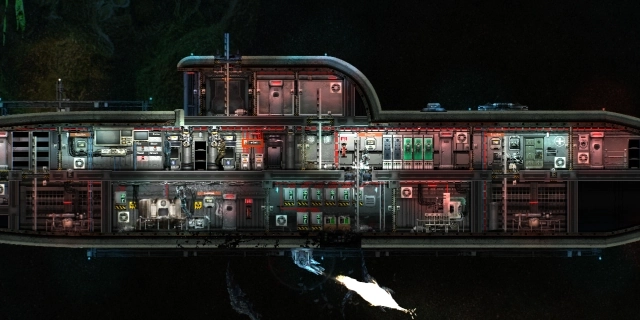
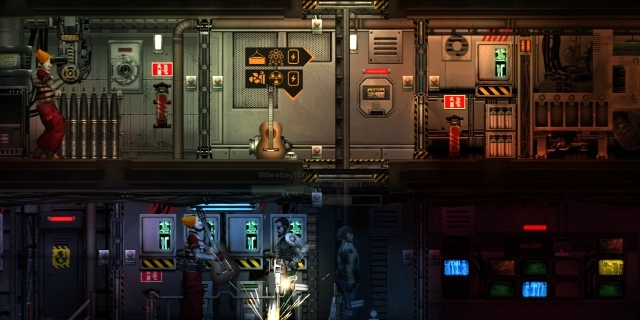
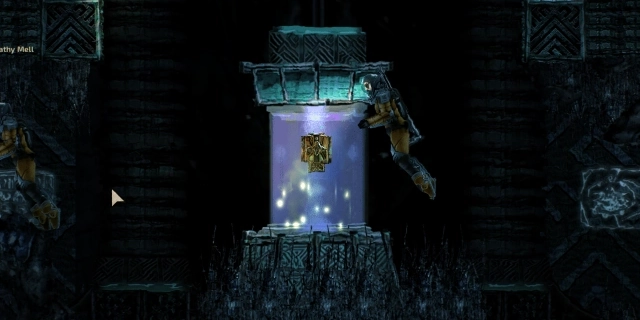
What is Barotrauma Hosting?
Barotrauma is a simulation game where you control the crew of a submarine traversing the extraordinary moon of Jupiter, Europa. The game allows you to explore the depths of the ocean, discover its secrets, and battle alien life forms. Barotrauma features a developed ship management system, crafting system, and the ability to build your own submarine. Barotrauma offers co-op mode for up to 16 players. Servers4Gamers offers high-quality Barotrauma dedicated server hosting.
Can I upgrade my Barotrauma hosting plan?
Yes, you can upgrade your plan. You can increase the number of backups (up to 10) and the amount of RAM at any time. Log in to our website and go to the "My Services" section. Select the service to access the upgrade options and continue with the process.
Can I test your Barotrauma hosting before purchasing?
Yes, absolutely. Our customers can take advantage of a one-time 7-day free trial of a selected server. Migration from the trial period to the paid subscription version is also possible (contact our support for migration).
Do you offer any data backup solution?
Yes, our customers can manually backup their Barotrauma server using the control panel. The number of available backups depends on the chosen plan. Additionally, we perform full backups every 24 hours, allowing for data restoration in case of issues. Learn how to manage you backups.
Do your Barotrauma servers have DDoS protection?
Yes, our servers are protected against network attacks to avoid unnecessary disruptions in operation.
Do your servers support the latest Barotrauma updates?
Yes, our servers are always up-to-date with the latest updates. By default, your server should have auto-update enabled, allowing for the installation of the latest data upon the next restart.
Can my Barotrauma server be private?
Yes, you can secure your Barotrauma server. Go to the quick configuration tab in our control panel, enter a password, and restart the server. This secured server will be accessible only to the individuals you choose.
How can I connect to my Barotrauma server?
You can connect to your server using the in-game browser. First, launch your game and select the "Server Browser" option from the main menu. Enter the name of your hostname in the upper left corner, select the host from the list, and press the "Join" button. If you prefer to connect directly using the server address, use the "Direct Join" option. Check our guide how to connect Barotrauma server.










 English, ensuring maximum comfort and ease of use for everyone.