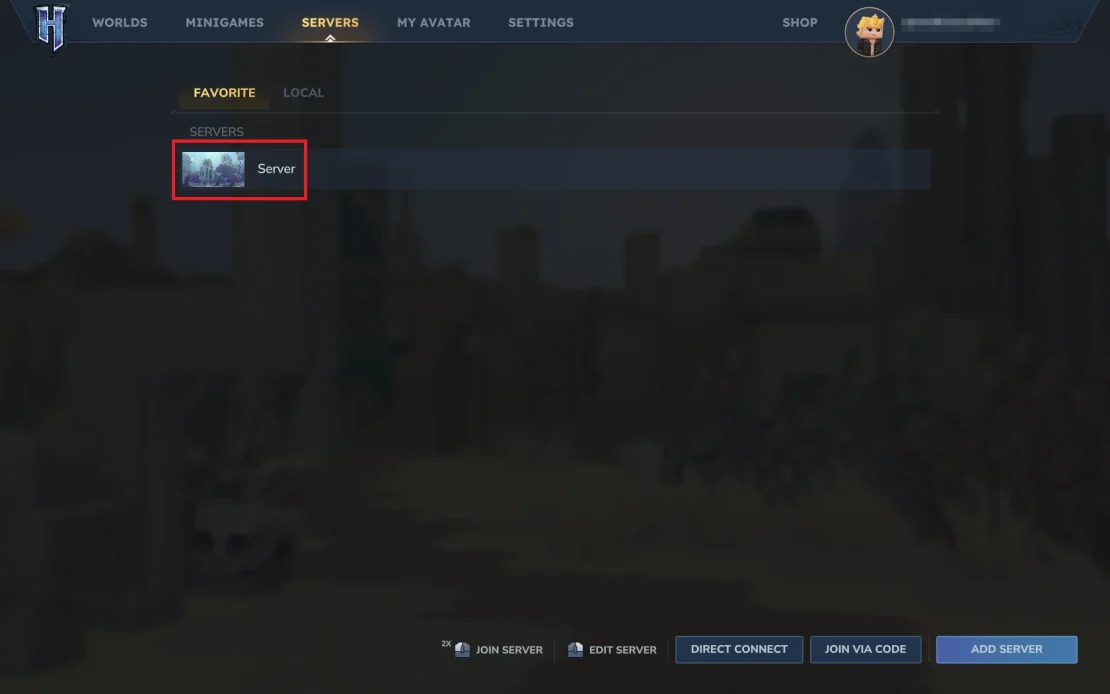
In this guide, you will learn how to join a Hytale server using its IP address and port, as well as how to add it to your Favorites list. We provide step-by-step instructions on where to find the right options in the game, how to enter the server details correctly, and how to start connecting to the server.
How to Join a Hytale Server with IP
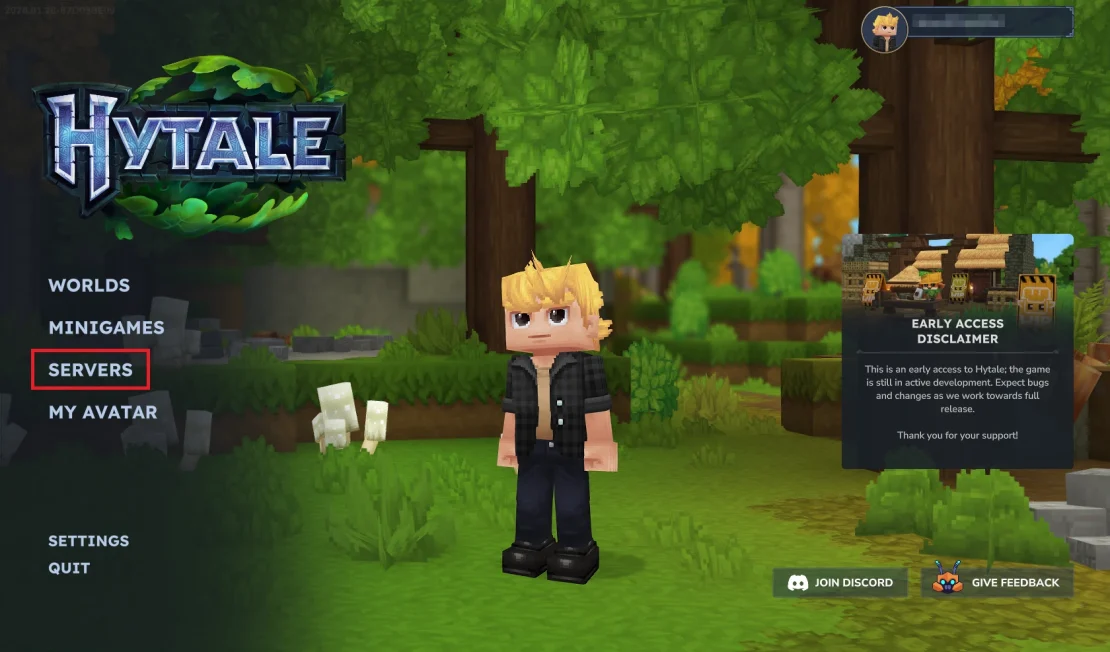
1. Launch Hytale. Once you are in the main menu, select Servers.
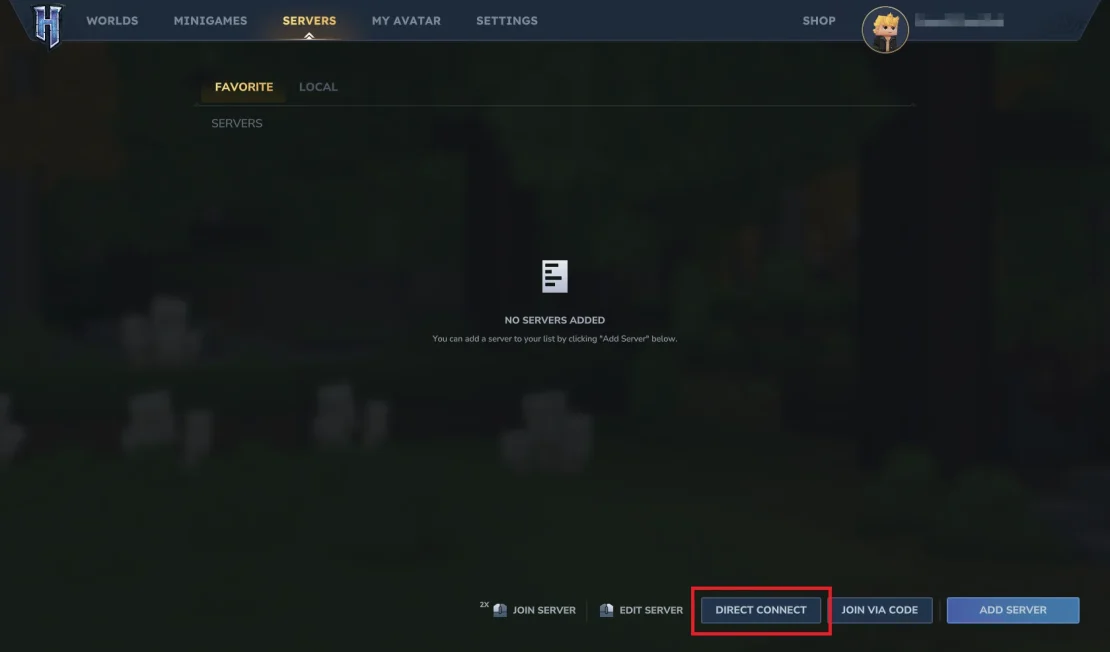
2. Click Direct Connect.
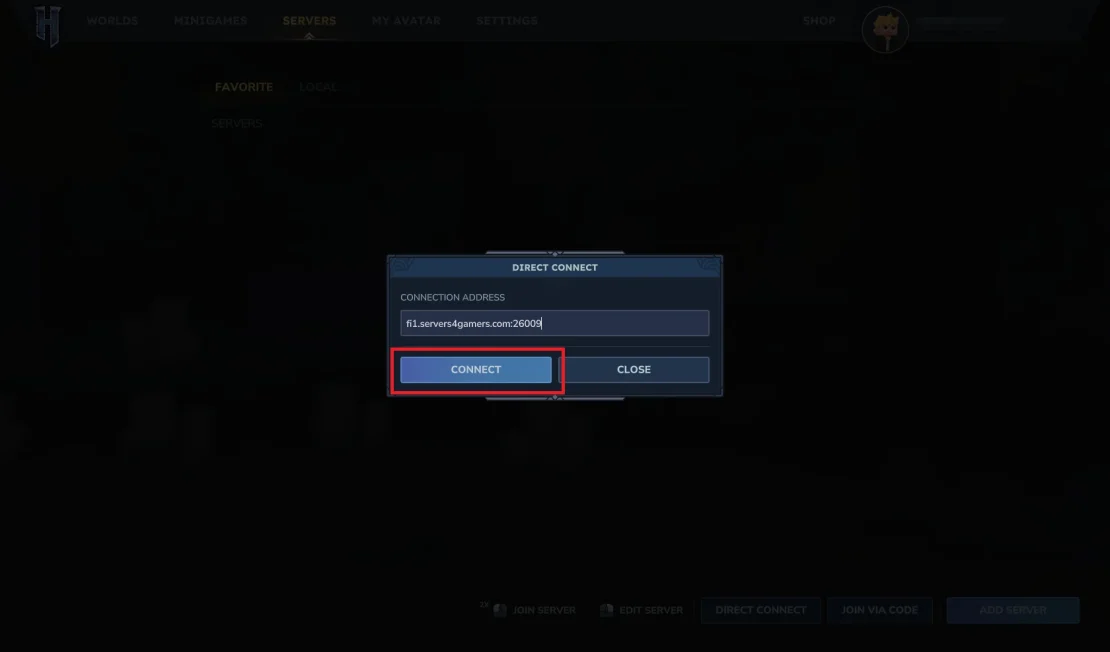
3. Enter your server IP address and port, then click Connect.
If you don’t know your server address, log in to our Control Panel. You can find the server IP and port in the Console or Network section.
How to Add Hytale Server to Favorites List
1. Once you are in the Servers menu, click Add Server.
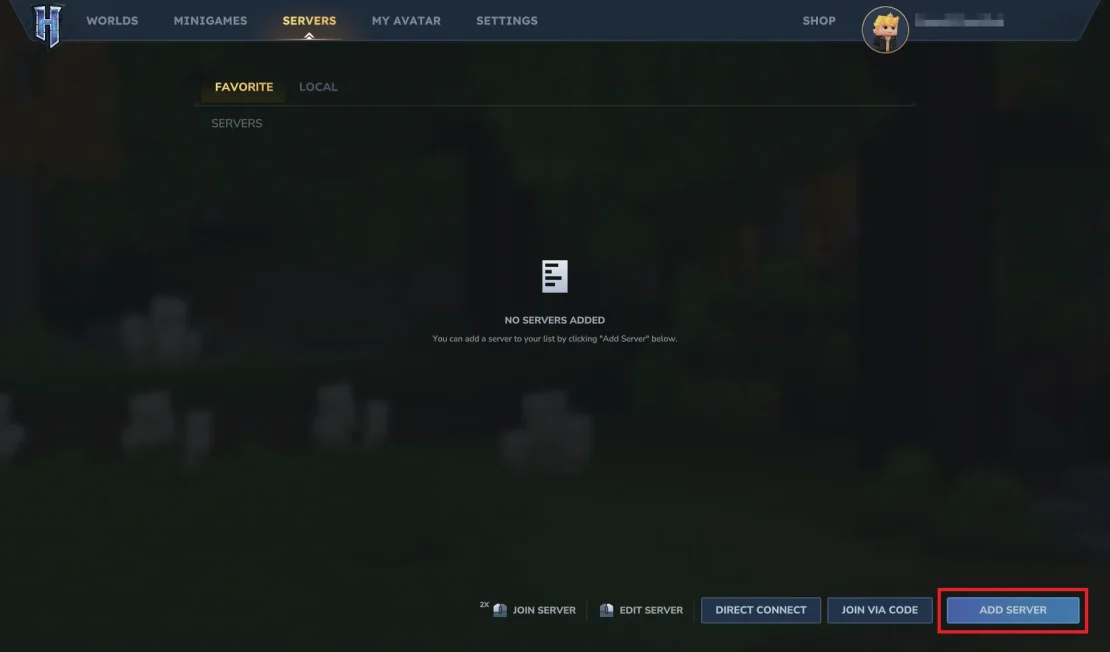
2. Enter the server address and a server name of your choice, then click Add Server.
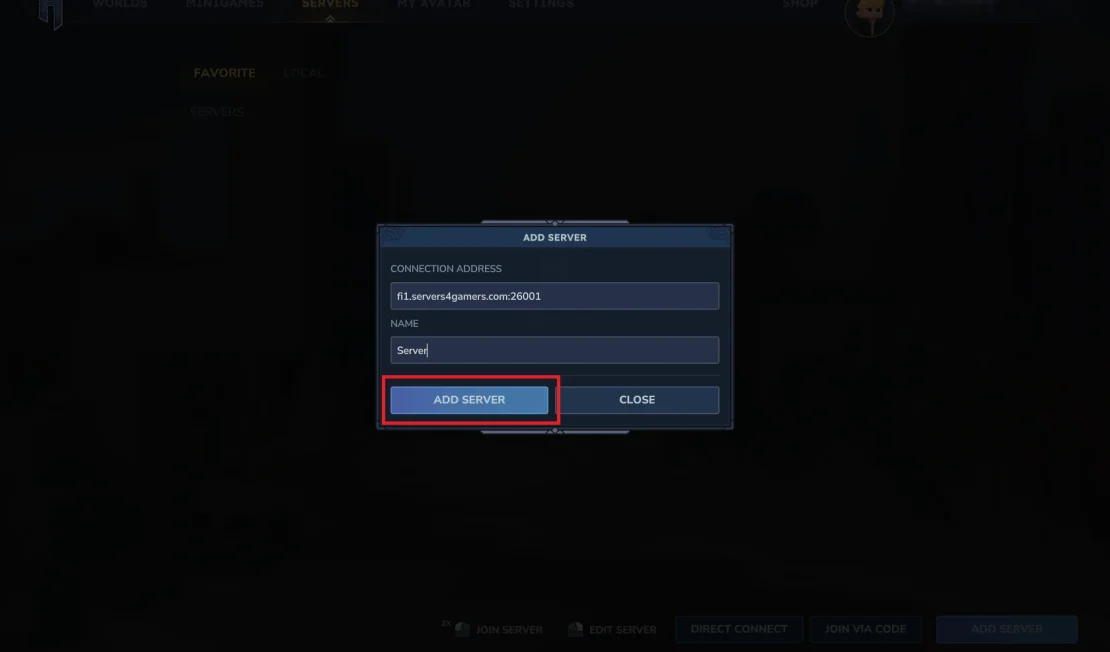
3. The server will now appear in your Favorites list. Simply double-click it to start connecting to the game.