In this guide, you will learn how to join a DayZ server using the Community server list or a direct IP connection. Additionally, we will cover the most common issues that may prevent you from connecting and explain how to fix them.
How to join DayZ server via community server list
1. Launch DayZ.
2. Select Servers to open server browser.
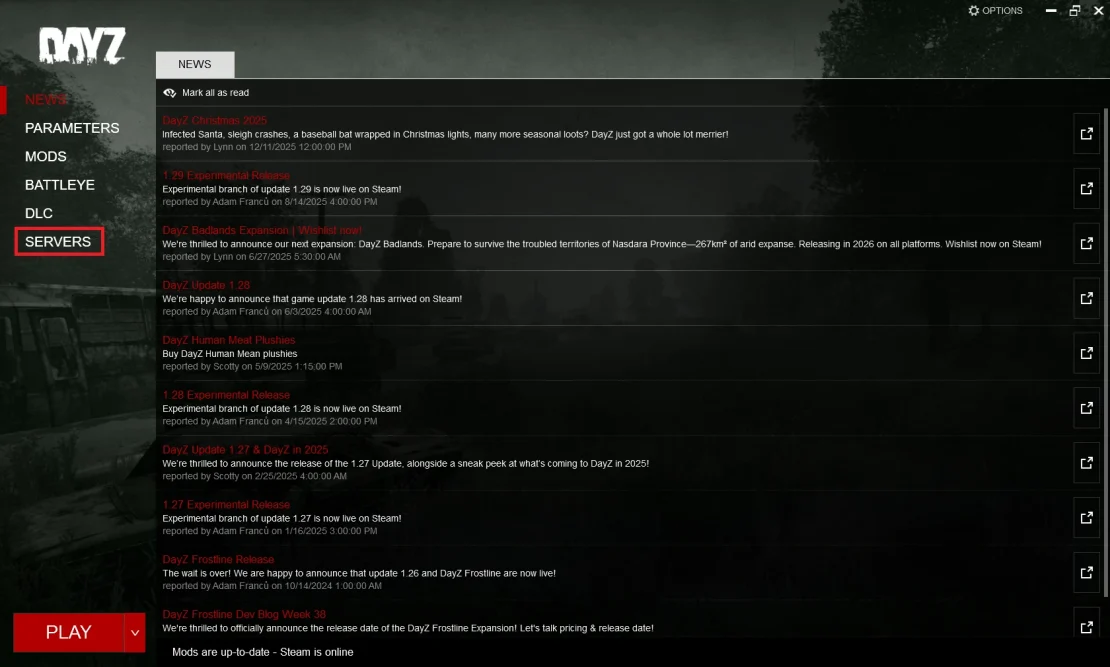
3. Go to the Community and enter your server name.
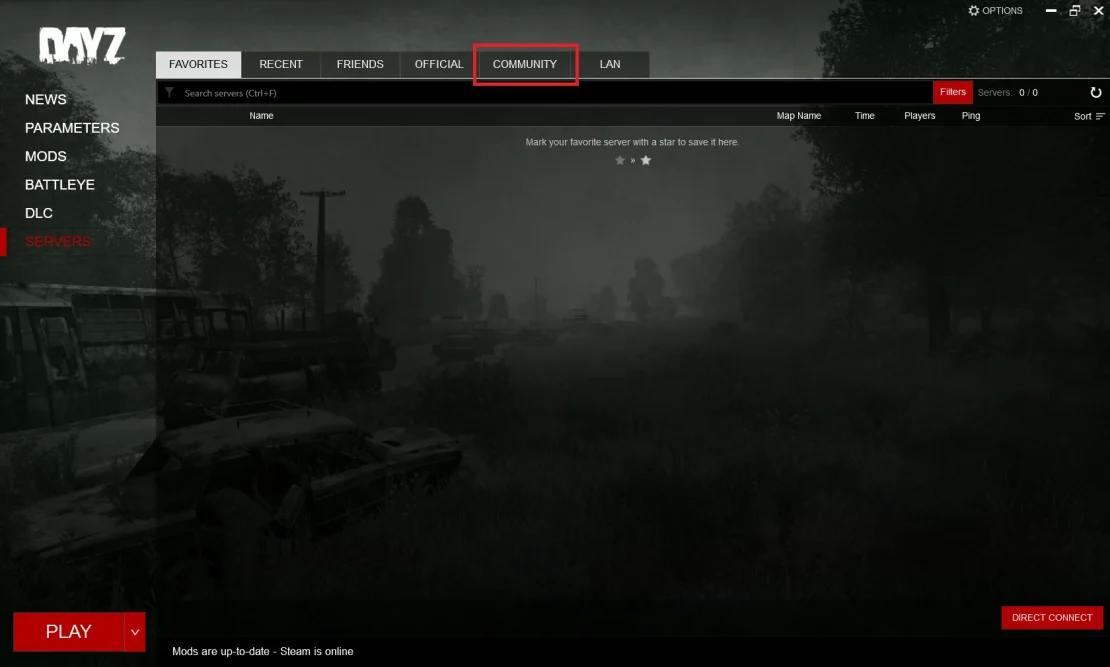
4. It may take a while to find your server. Once you find it, click Join.
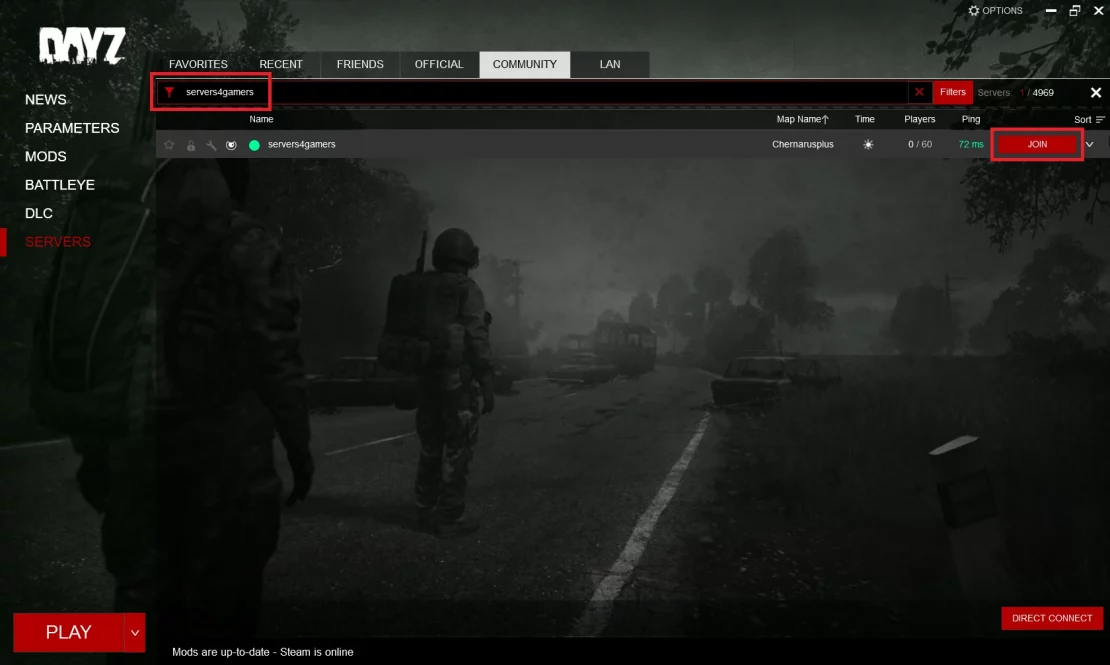
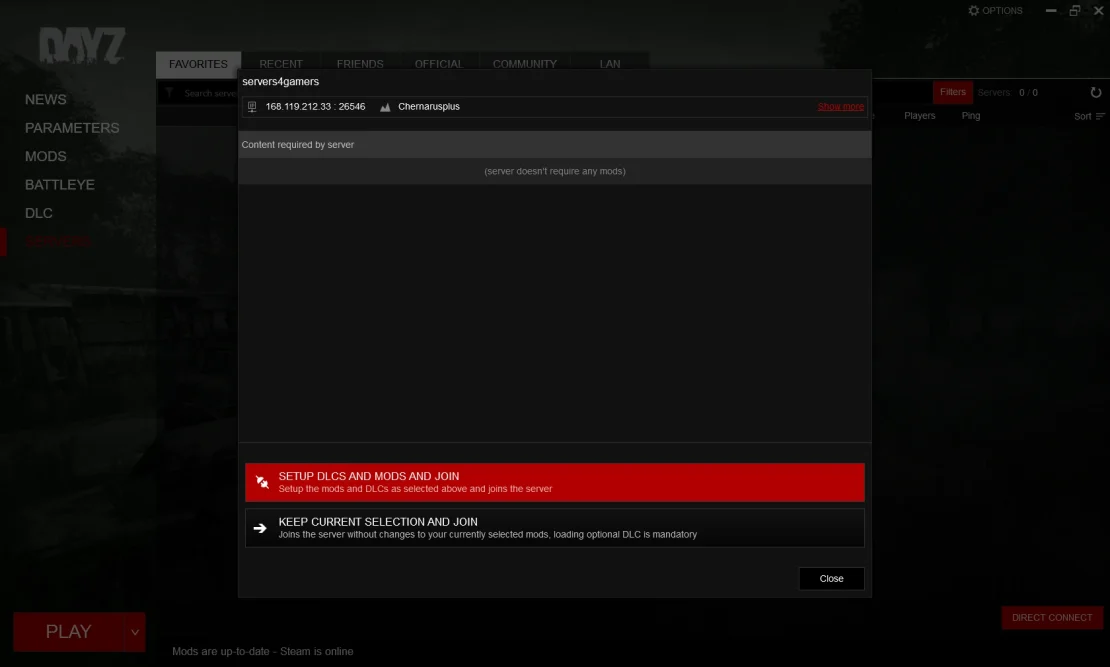
5. Setup DLCs and mods and join.
How to join DayZ server with IP
1. Launch DayZ.
2. Select Servers to open server browser.
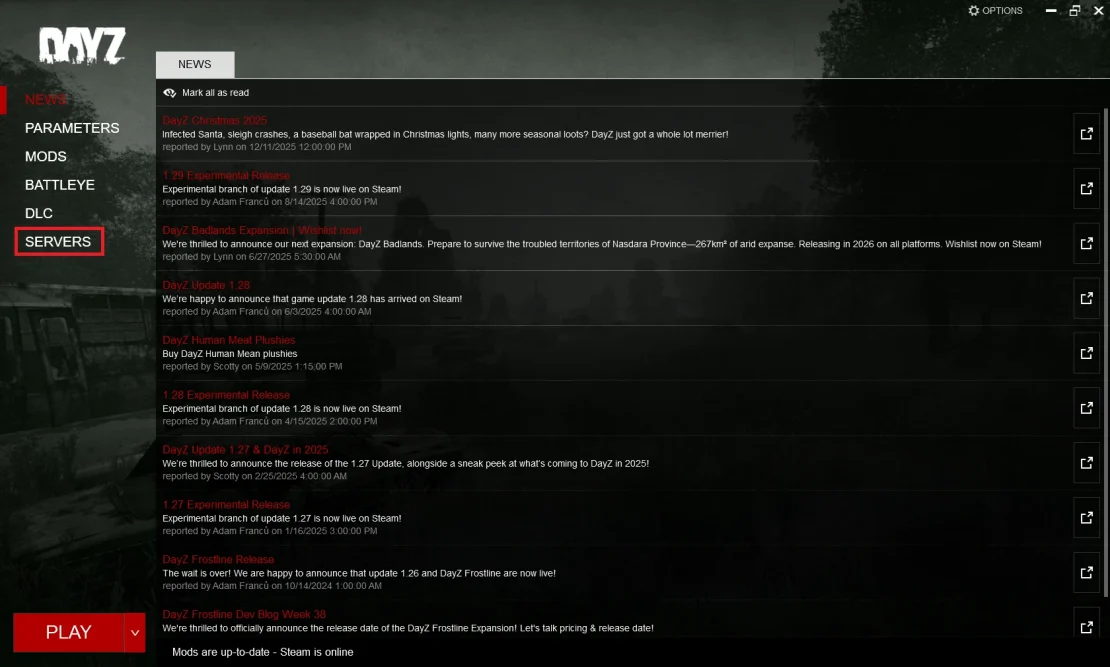
3. Select Direct Connect option.
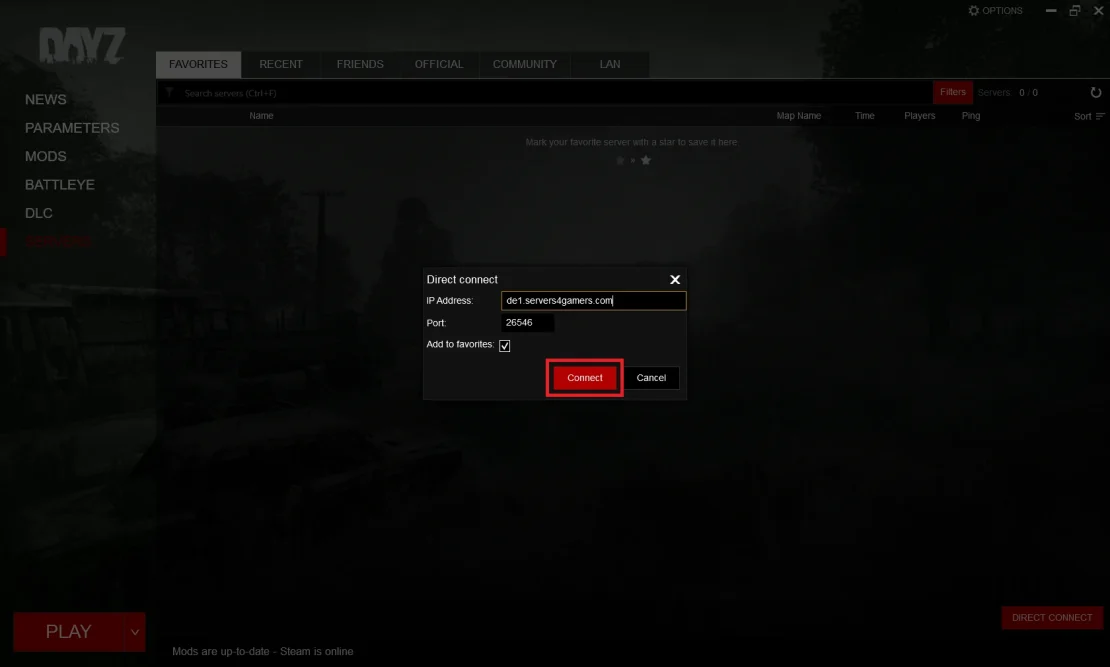
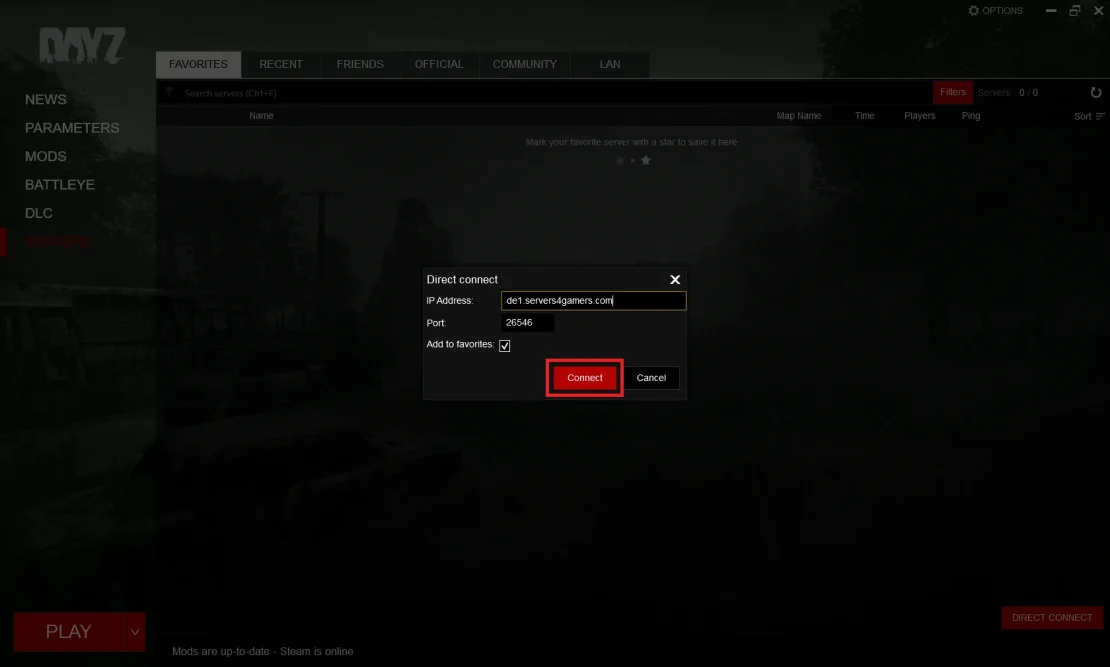
4. Enter the server address and click Connect.
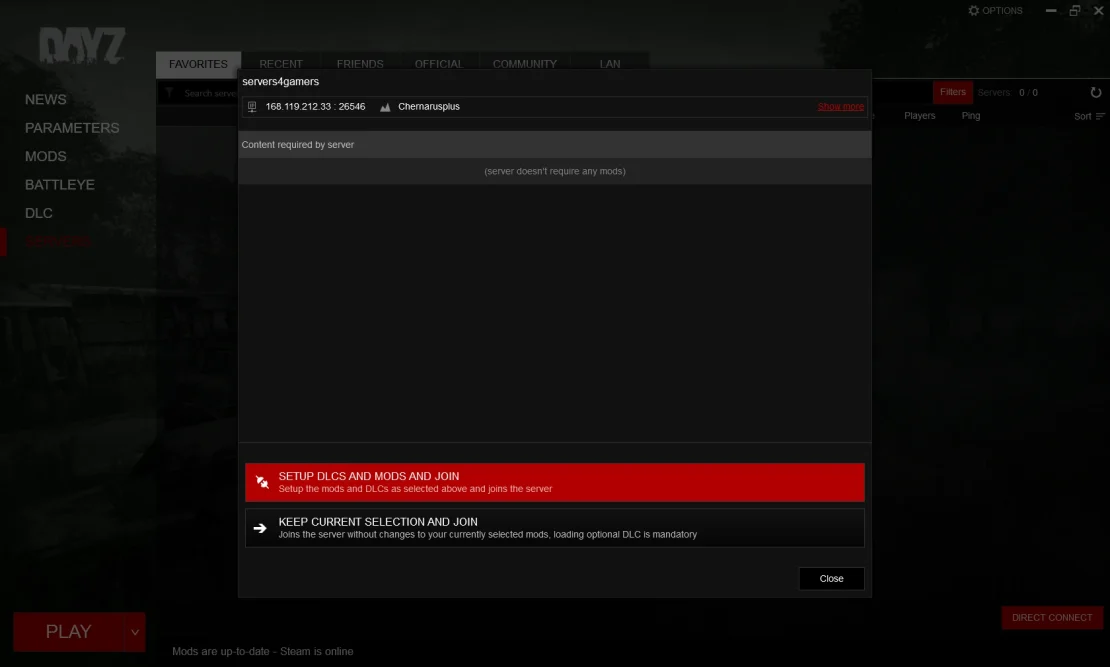
5. Setup DLCs and mods and join.
Dayz Connection Issues
Sometimes you may encounter problems when trying to connect to a DayZ server. Below are some of the most common ones:
Incorrect Port Used for Direct Connect
If you are connecting directly via IP, a very common issue is using an incorrect port. DayZ uses multiple ports, so entering the wrong one will prevent you from connecting.
Fix: All available ports can be found in your control panel under the Network tab. If the connection fails, try using a different port from the list.
Server Not Appearing in the Community List
This can happen for several reasons, but most commonly the server is newly started and has not yet been registered in the server browser. The Community server list can refresh with significant delays.
Tip: If you connect via IP, it is recommended to add the server to Favorites. This makes it easier to find and allows faster connections in the future.
Server Is Still Starting
Server startup can take several minutes, especially if you have installed a large number of mods or if this is the first start after an update.
Version Mismatch
If the game client has been updated, your server must also be updated to the same version. Otherwise, you will not be able to connect.
Fix: Go to your control panel, open the Startup section, enable automatic updates, and restart the server.
We hope that our intuitive web interface has allowed you to connect DayZ server easily. If you want to ask us any questions, feel free to contact us via e-mail, ticket or live chat!