



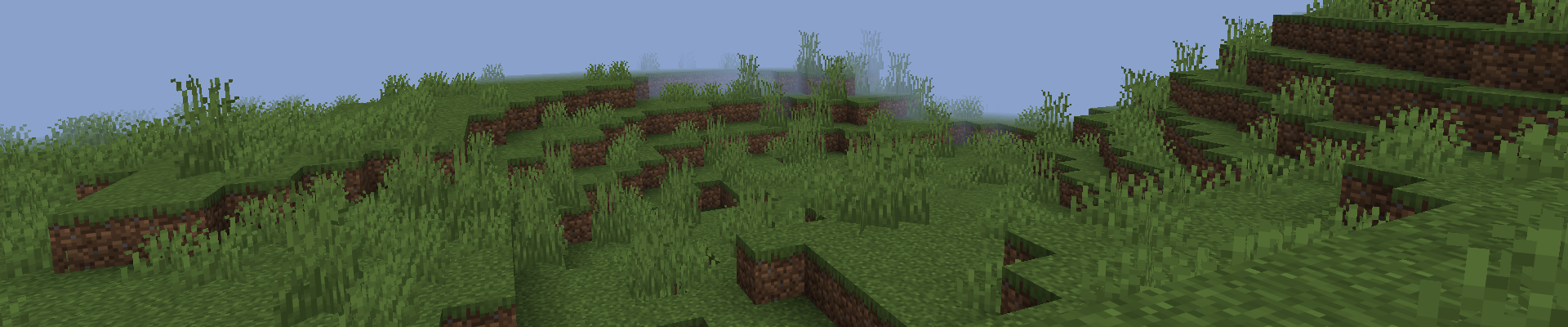
To change the render distance on a Minecraft server, open the server.properties file, edit the view-distance setting, save the changes, and restart your server. Increasing the value allows players to see more chunks, while lowering it can improve server performance.
Below, you’ll find the complete steps to change the render distance on your Minecraft server.
Steps to Change the Render Distance
Follow the steps below to update your Minecraft server’s render distance and apply the new settings.
Stop Server
Before changing the render distance, open the Console tab in your game server panel and click Stop to safely shut down your server.
Open Server Files
Once the server has stopped, open the Files tab. This is where you’ll find all of your Minecraft server files, including the server.properties configuration file.
Edit server.properties
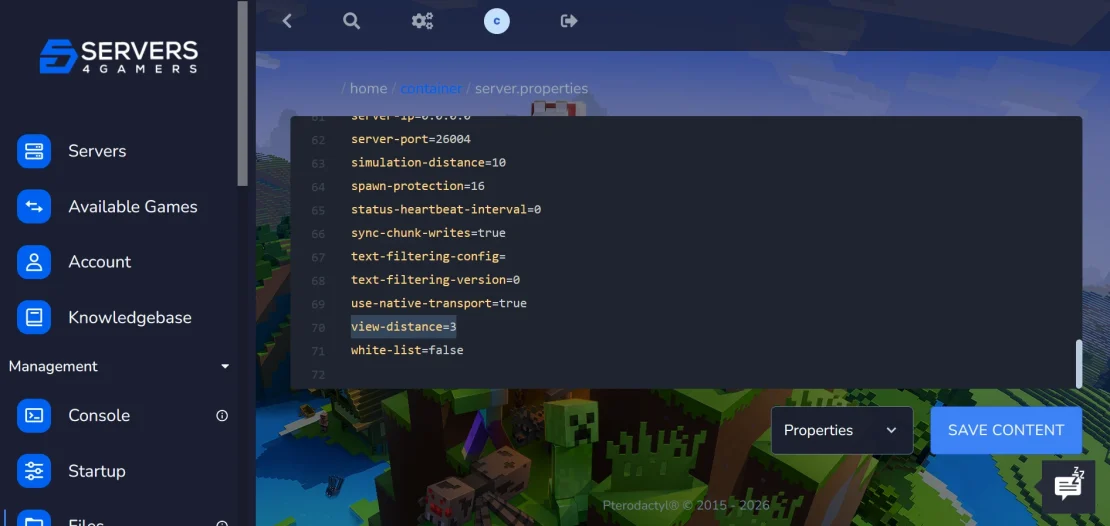
Open the server.properties file and locate the view-distance setting. This option controls how many chunks are loaded around each player on the server.
Change view-distance Setting
Set the view-distance value to any number between 3 and 32. Higher values allow players to see more chunks, while lower values can help improve server performance and reduce resource usage.
Start Server
After saving the changes, return to the Console tab and click Start to launch your server again. The new render distance will be applied automatically once the server is back online.
FAQ
What Is Render Distance in Minecraft?
Render distance is a setting that determines how many chunks are loaded and visible around each player in Minecraft. A higher value lets players see farther into the world, making distant terrain and structures visible from greater distances. Lower values reduce the number of loaded chunks, which can improve both server performance and game performance on lower-end computers.
How to Increase Render Distance in Minecraft?
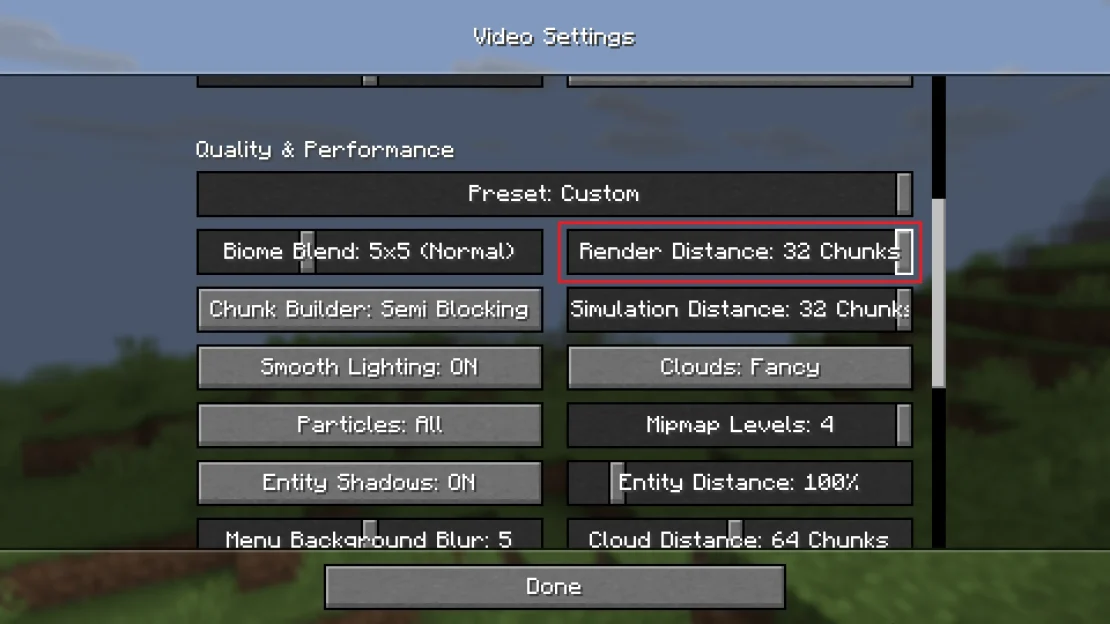
To increase your render distance in Minecraft, open the Video Settings menu and increase the Render Distance slider. Higher values allow you to see more chunks and view the world from a greater distance
What Is a Good Render Distance for Minecraft?
There isn’t a single best value for everyone. Most players choose between 10 and 16 chunks for a good balance between performance and visibility. If you have a powerful computer, you can increase the setting to 32 chunks or higher for a much longer view distance.