










Assetto Corsa Web Panel is an advanced tool that allows for comprehensive server management of Assetto Corsa through a web browser. With it, you can easily configure races, select cars, adjust server settings, and monitor its performance. The panel enables quick race setup and efficient management of server content and information from a single location.
In this guide, I will explain how to access the Assetto Corsa Web Panel in just a few moments!
How to access server manager
1. Go to the control panel and start your server.
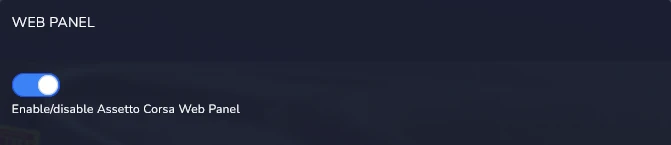
2. Go to the “Startup” tab and check if “Web Panel” option is enabled.
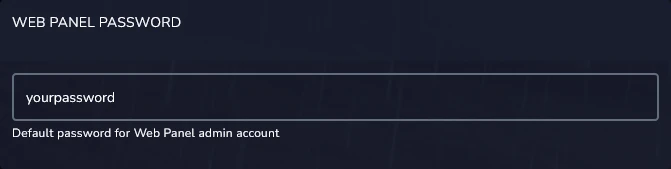
In the same place you will find the password you use to log in as admin.
3. Go to the “Network” tab and copy the server address (use the last port).
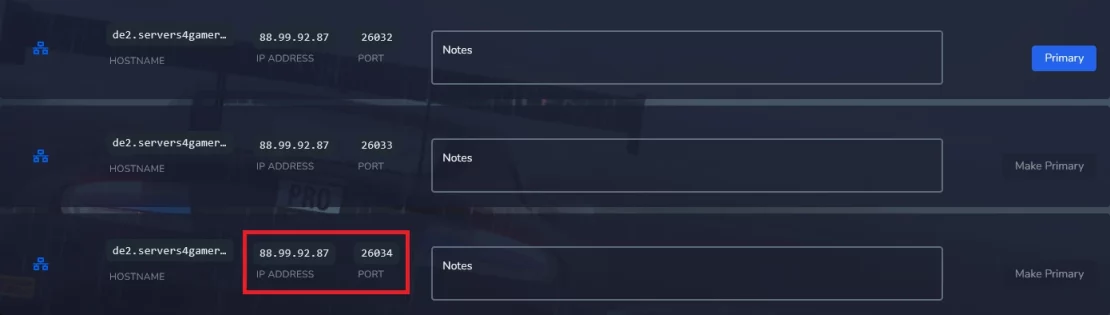
4. Type IP:PORT in your browser search bar.

5. Log in using “admin” username and “Web Panel Password”.
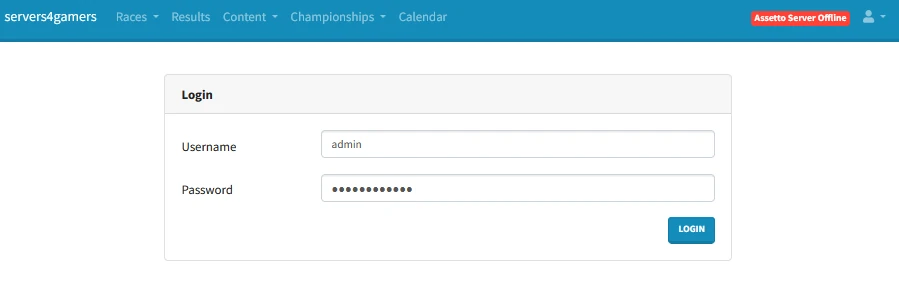
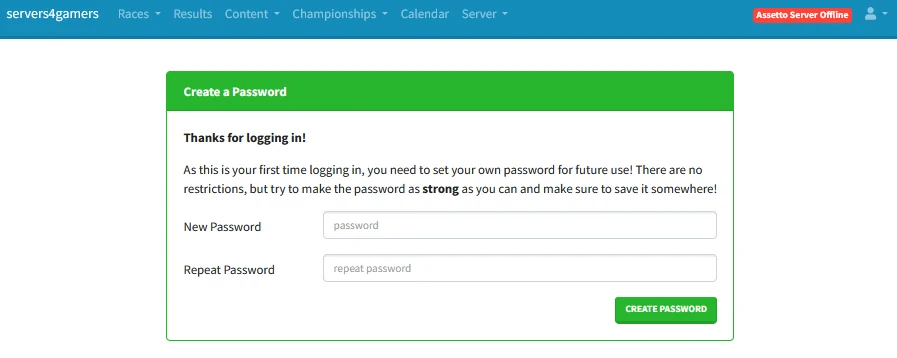
6. “Web Panel Password” is used to log in for the first time – you will need to set a new password.
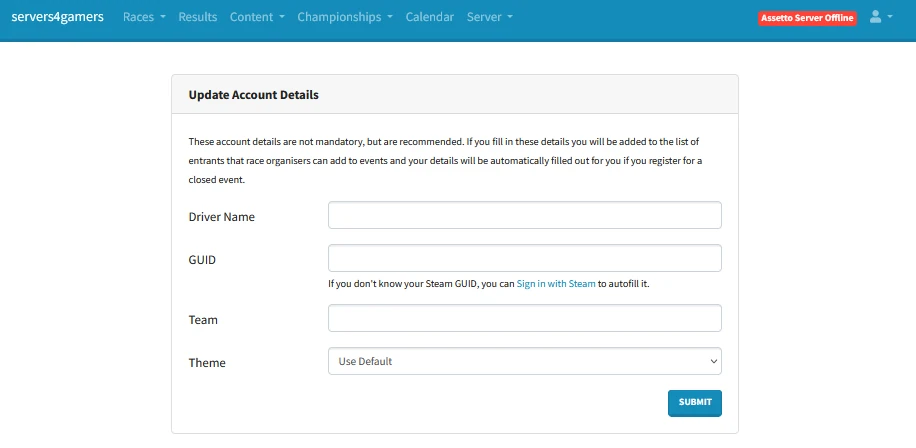
7. After logging in you will be able to change additional settings such as driver name, GUID, team or theme.
We hope that our intuitive web interface has allowed you to configure your Assetto Corsa server easily. If you want to ask us any questions, feel free to contact us via e-mail, ticket or live chat!

