










The Storm’s Brewing update introduced storms to the game world that pose a real threat to players and directly impact gameplay. Since then, storms are no longer just a visual effect but a dynamic environmental hazard that reduces visibility, makes exploration more difficult, and affects player survival.
Fortunately, you can adjust your server settings to completely disable storms or, on the contrary, increase their frequency and make them occur more often. Follow the steps below to change the storm frequency on your 7 Days to Die server:
1. Go to the control panel and Stop the server.
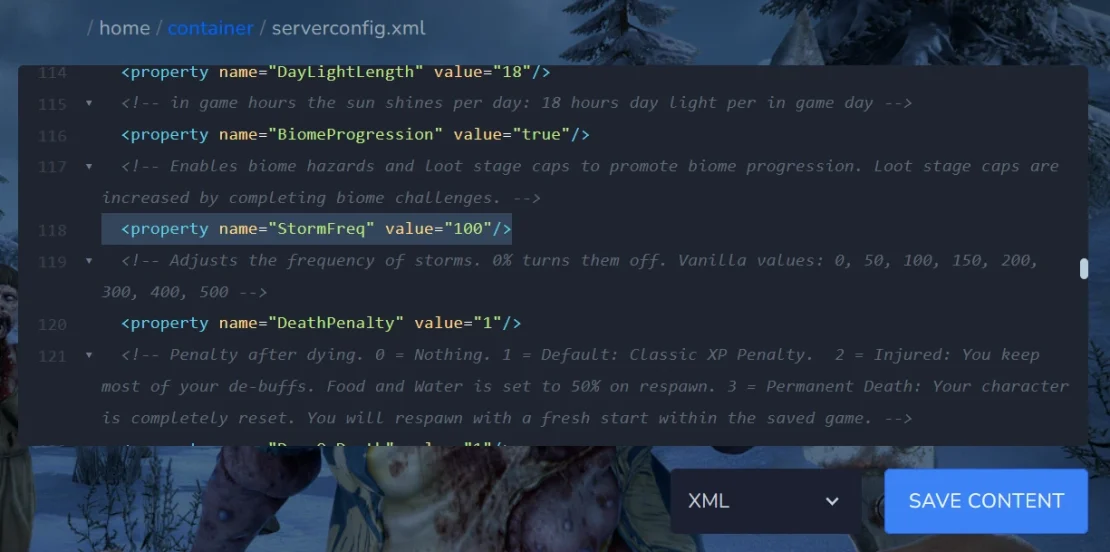
2. Go to Files and select the serverconfig.xml file. Find the variable StormFreq and enter the desired value. If you want to disable storms, enter 0. If you want to increase how often they occur (for example, multiply their frequency), enter 200, 300, etc. After making the changes, save the file.
3. Start server.

