










Changing the maximum number of players allows you to adjust the gameplay to match the size of your community and your server’s performance capabilities. A limit that is too low may prevent new players from joining, while a limit that is too high can cause performance issues.
Here’s what you need to do to change the max players setting on a 7 Days to Die server:
1. Go to the control panel and Stop server.
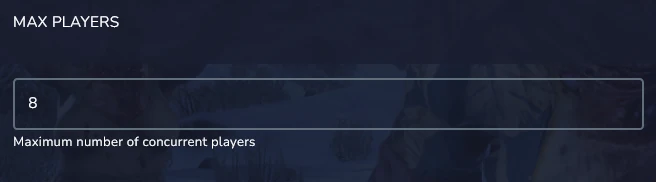
2. Go to the Startup and find Max Players variable. Enter value into the field.
3. Start server.
In addition to the standard player limit, you can also configure reserved slots and admin slots. This allows selected users to join the server even when it is full.
In the serverconfig.xml file, you will find several variables that allow you to adjust these settings:
- ServerReservedSlots – the number of reserved slots available for players with the required permission level.
- ServerReservedSlotsPermission – defines the permission level required to use the reserved slots.
- ServerAdminSlots – specifies how many admins can join the server even if it has reached the maximum player limit.
- ServerAdminSlotsPermission – defines the permission level an admin must have to use the admin reserved slots.

