










If you want only selected players to have access to your Avorion server, setting a password is one of the simplest and most effective security methods. In this guide, I will explain how to secure your Avorion server with a password using our intuitive control panel.
How to setup password
1. Go to the control panel and select “Startup“.
2. Navigate “Server Password” where you can type in password.
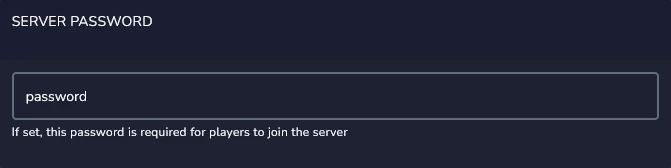
3. Go to the “Console” and click “Restart” to apply changes.
We hope that our intuitive web interface has allowed you to configure your Avorion server easily. If you want to ask us any questions, feel free to contact us via e-mail, ticket or live chat!

