






To set the spawn point on a Minecraft server, join your server as an operator (OP) and use the setworldspawn command at the location where you want players to spawn. If you want everyone to spawn on the exact same block, use the gamerule spawnRadius 0 command to set the spawn radius to 0.
Steps to Set the Spawn Point on a Minecraft Server
Setting the spawn point won’t work unless you join the server as an administrator (OP).
Set Yourself as an Operator (OP)
To set the spawn point, you must have operator (OP) permissions. Open the Console tab in your server panel and run the following command:
op your_usernameReplace your_username with your Minecraft username. Once you’ve been granted OP permissions, join your server and continue with the next step.
Set the Spawn Point
Once you’ve joined your server, head to the exact location where you want players to spawn. When you’ve found the perfect spot, use the following command:
/setworldspawnThis will set the world spawn to your current location, making it the default spawn point for new players joining the server.
Set the Spawn Point Radius
By default, Minecraft can spawn players within a small radius around the world spawn instead of on the exact block. To change this, use the following command:
/gamerule respawn_radius 0A spawn radius of 0 means every player will spawn on the exact block where you used the setworldspawn command. If you set the radius to 10, players can spawn anywhere within a 10-block radius around the world spawn.
FAQ
What Is the Command to Set Spawn Point in Minecraft?
The command used to set the world spawn point in Minecraft is setworldspawn. Stand where you want players to spawn and run the command as a server administrator.
How to Find Your Spawn Point in Minecraft?
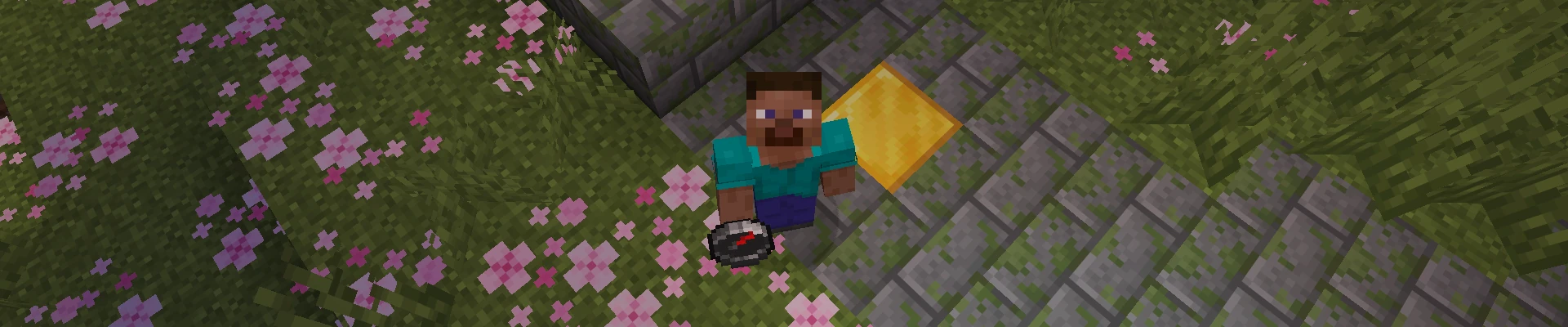
The easiest way to find the world spawn in Minecraft is by using a compass. A normal compass always points toward the world’s default spawn point, so simply follow the red needle until you reach it. Keep in mind that this only works with a regular compass. If your compass has been linked to a lodestone, it will point to the lodestone instead of the world spawn.